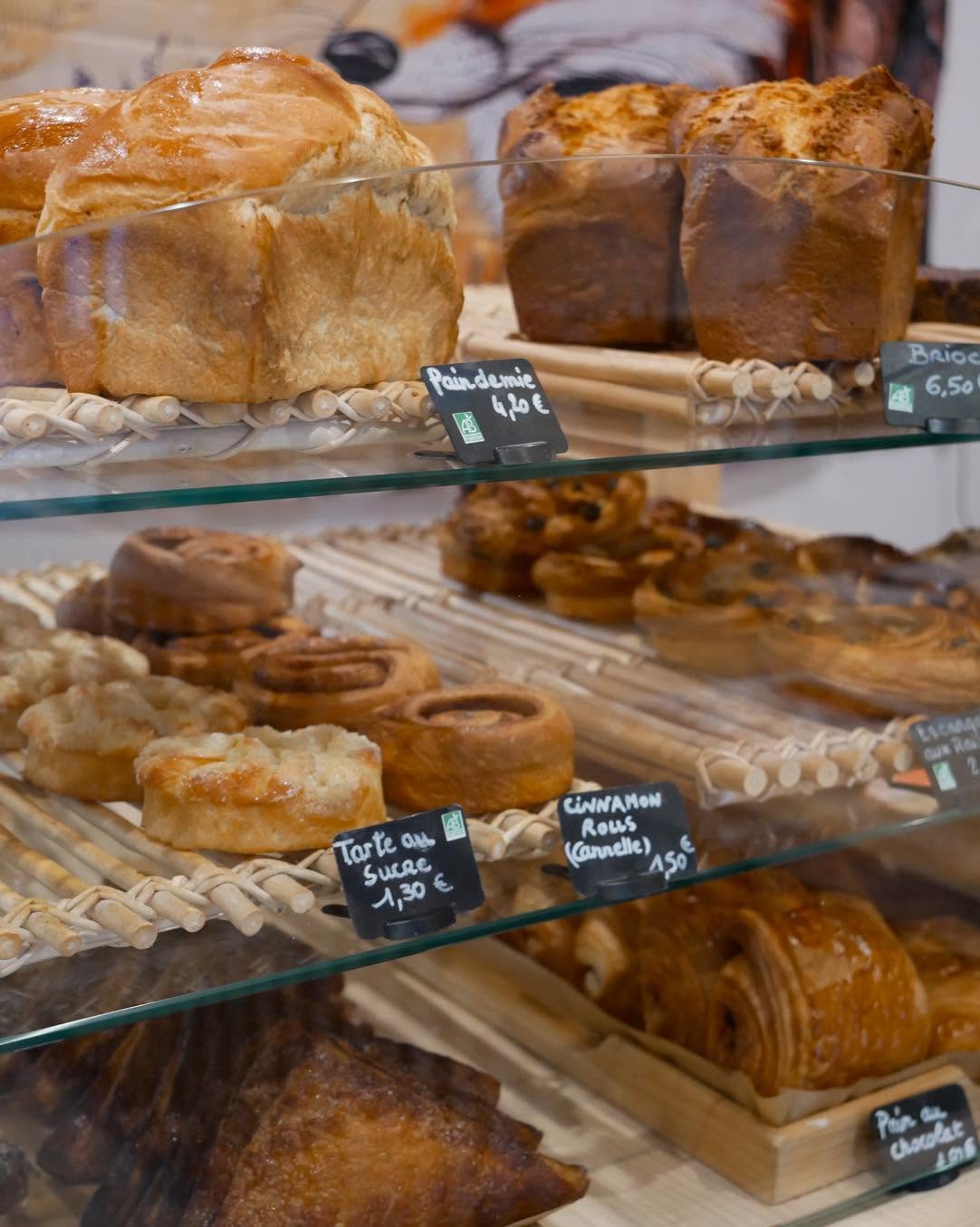
Dijon is a great town for bread, and I wanted to know where to find the best of it. So I asked the Expats in Dijon Facebook group, and you delivered. The boulangeries below are the result of that poll.
A big thank you to everyone who voted: Joan, Francoise, Krizel, Ashley, Kim, Kn, Heather, Jeff B, Kathy, Kevin, Charlotte, Nick, Doug, Gaëtan and Christine.
My own favorite is Boulangerie Buffon. It’s in my neighborhood, which counts for a lot when you’re buying bread every day, and it also received the most votes in the poll.
Tap a pin (or a name below) for the address, phone number and website.
1Boulangerie Buffon
Organic breads, viennoiseries and pastries, from the team behind Les Champs du Destin.
- Address: 16 Rue Buffon, 21000 Dijon
- Phone: 03 80 67 11 21
- Website: boulangeriebuffon.com
2Aux Délices de la Chouette
Right by Notre-Dame and the famous owl. Known for its gougères, savory tarts and the Chouette shortbread cookie.
- Address: 26 Rue de la Chouette, 21000 Dijon
- Phone: 03 80 50 17 76
- Website: no website found
3Atelier du Boulanger Grangier
The Place Grangier shop of the L’Atelier du Boulanger group: traditional breads, viennoiseries, tarts and cakes.
- Address: 1 Place Grangier, 21000 Dijon
- Phone: 03 80 49 99 98
- Website: latelier-du-boulanger-dijon.fr
4Au Pain Fendu
Boulangerie-pâtisserie near the Toison d’Or, with snacking and catering as well.
- Address: 2 Avenue Franklin Delano Roosevelt, 21000 Dijon
- Phone: 03 80 74 35 42
- Website: no website found
5Boulangerie Eric Febvre
A small family bakery just behind the Halles. Try the gougères, brioches and millefeuilles.
- Address: 16 Rue Bannelier, 21000 Dijon
- Phone: 03 80 50 09 61
- Website: no website found
6Les Champs du Destin
Organic sourdough breads made from ancient grains, baked in the village of Sacquenay. The Dijon shop by the train station keeps limited hours, so check before you go.
- Address: 35 Cour de la Gare, 21000 Dijon
- Phone: 03 80 75 95 60 (main bakery in Sacquenay)
- Website: champsdudestin.com
7Boulangerie Merle
A couple-run bakery with classic baguettes, spelt bread and a much-praised tropézienne.
- Address: 77 Rue Jeannin, 21000 Dijon
- Phone: 03 80 63 84 05
- Website: no website found
8Du Pain Pour Demain
Aude and Louis Tortochot’s bakery, known for its original croissants and organic flour partners. They also have other shops in town.
- Address: Pl. 30 Octobre et de la Légion d’Honneur, 21000 Dijon
- Phone: 03 80 74 09 21
- Website: dupainpourdemain.com
9Le Moulin
The bakery of the Cité de la Gastronomie, using flour and sourdough from the Minoterie Forest.
- Address: 3 Rue du Faubourg Raines, 21000 Dijon
- Phone: 03 73 27 54 37
- Website: no website found (Facebook page)
10Gourmelo
Artisan bakery a couple of steps from the city center, near Porte Guillaume.
- Address: 30 Rue Devosge, 21000 Dijon
- Phone: 09 55 98 32 41
- Website: boulangerie-gourmelo.my.canva.site
11Boulangerie Pâtisserie Fremont
On pedestrian Rue Verrerie in the medieval old town, with good pastries and gluten-free bread.
- Address: 23 Rue Verrerie, 21000 Dijon
- Phone: 03 80 50 19 80
- Website: no website found
Opening hours change, so check before you go.